
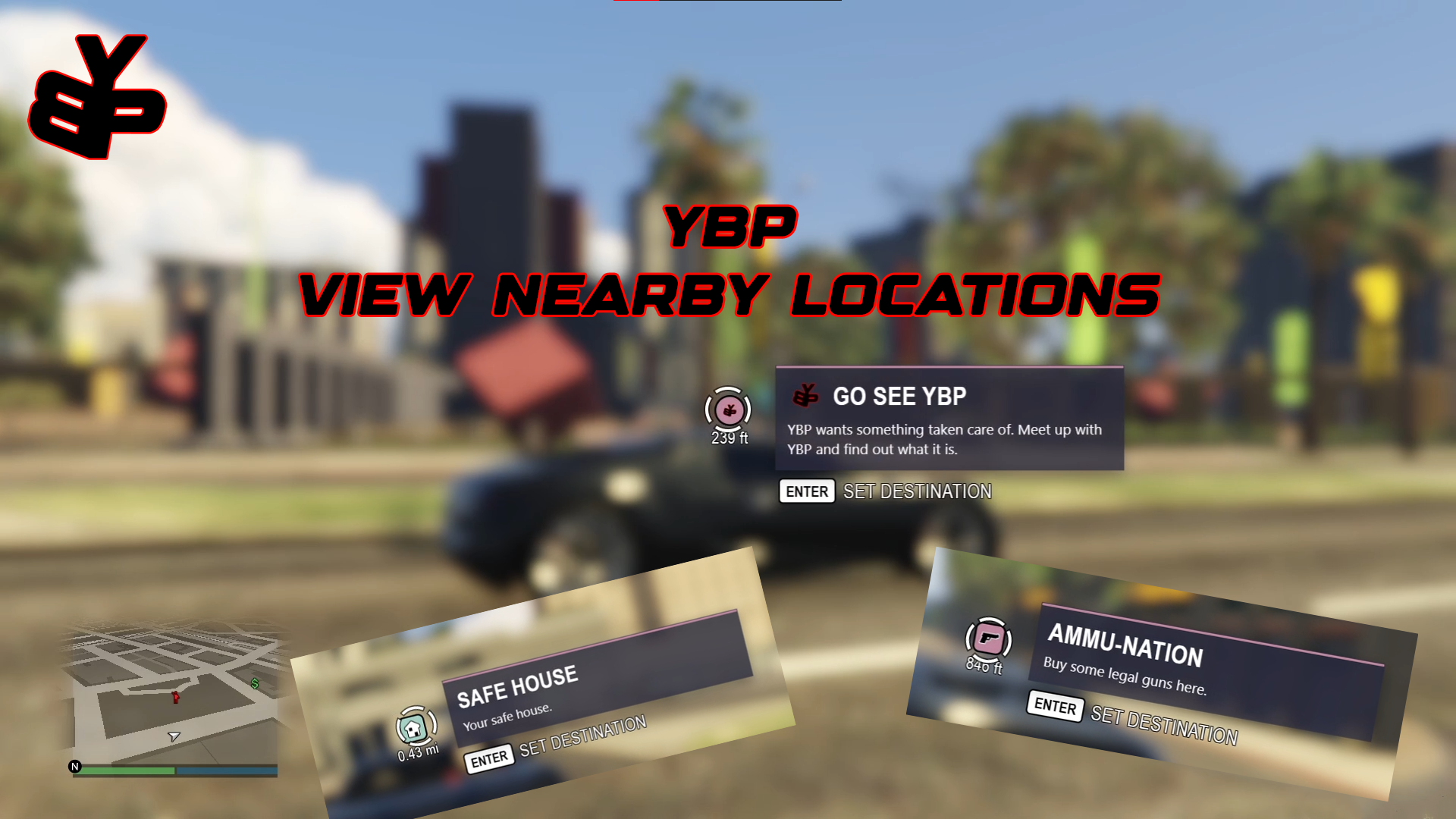
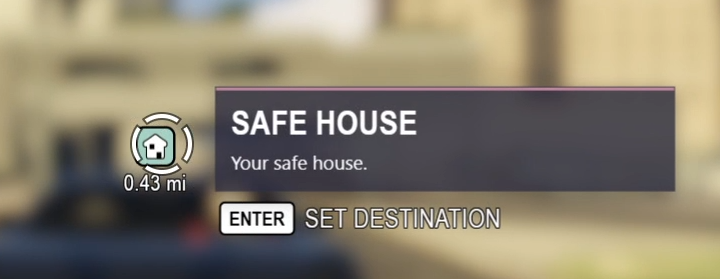
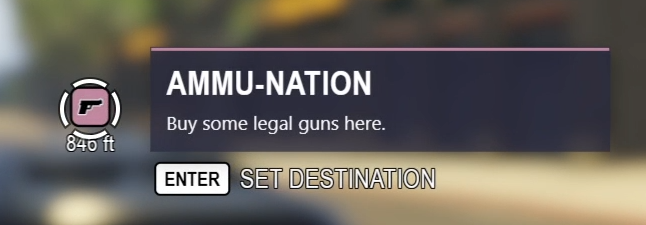
Press one key and the world blurs, a crosshair appears, and every nearby registered location around you shows up on screen with its distance. Aim at one to see its details, then press Enter or left click to set a waypoint. Press again on the same point to remove it.
Features
-
One-key view: toggle with a keybind (default Z). Players can rebind it in FiveM's key settings.
-
Live distances: every point shows how far away it is, in feet/miles or metres/kilometres.
-
Details card: aim at a point to see its title, description and an optional portrait image.
-
Set or remove waypoints: Press Enter (rebindable) or left click whilst you are hovering over a point to set a waypoint.
-
Flexible icons: use a letter or 2 in a coloured circle, or any image (local or a link) on its own or on a circle or square background.
-
Exports
-
Fully customisable look: card position, width, colours, text sizes and accent colour, plus crosshair size, colour and hover growth, all from the config.
-
No accidental shooting: attack, aim and melee are blocked while the view is open.
-
Optional extras: hide the minimap while open, close automatically after setting a waypoint, hover sound.
-
Standalone: Runs by itself without needing anything extra.
Performance
- Nothing runs while the view is closed (0.00ms idle).
- While it's open, only the closest maximum amount of points within your chosen radius are drawn (both limits are configurable).
Gameplay footage: Click here
Not affiliated with or endorsed by Rockstar Games or Take-Two Interactive.